Delphin Resource
AI Video Generator from Image — Reference-Led Motion
Turn a still image into motion with an AI video generator from image — upload a reference, describe the motion, and pick a model. Sora 2, Kling V3, and Seedance supported.
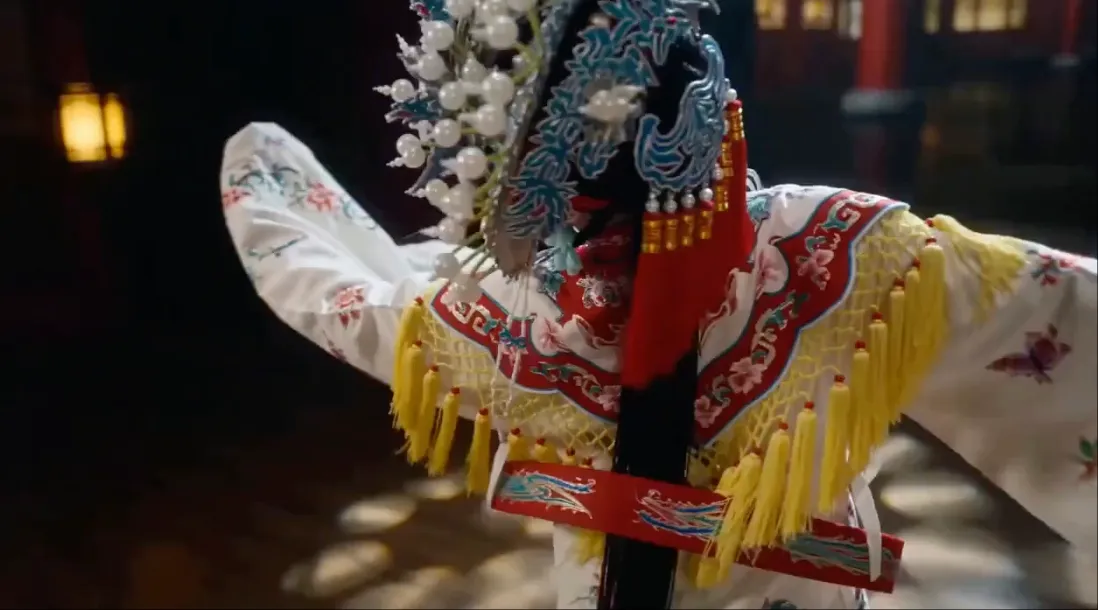
An AI video generator from image is the shortest path to brand-consistent motion. You already have the look — the job is to animate it without drifting off-model. Delphin supports image-to-video on Sora 2, Kling V3, and Seedance in one canvas.
How reference-led motion works
Upload the still, describe what should move and what should stay locked, then pick the model. The same prompt structure works across all supported models.
- Lock subject, wardrobe, and packaging
- Describe camera motion (push-in, pan, orbit)
- Keep lighting and palette explicit
FAQ
Which model is best for image-to-video?
Sora 2 for cinematic quality, Kling V3 for speed, Seedance for stylized motion. Swap between them without re-uploading.
Can I animate a product photo?
Yes. Reference-led motion is the cleanest way to animate packshots while keeping branding intact.