Delphin Resource
Photo to Video AI — Turn Stills Into Motion
Photo to video AI workflow that keeps portraits, product shots, and scenes on-model while adding motion. Multi-model support inside Delphin.
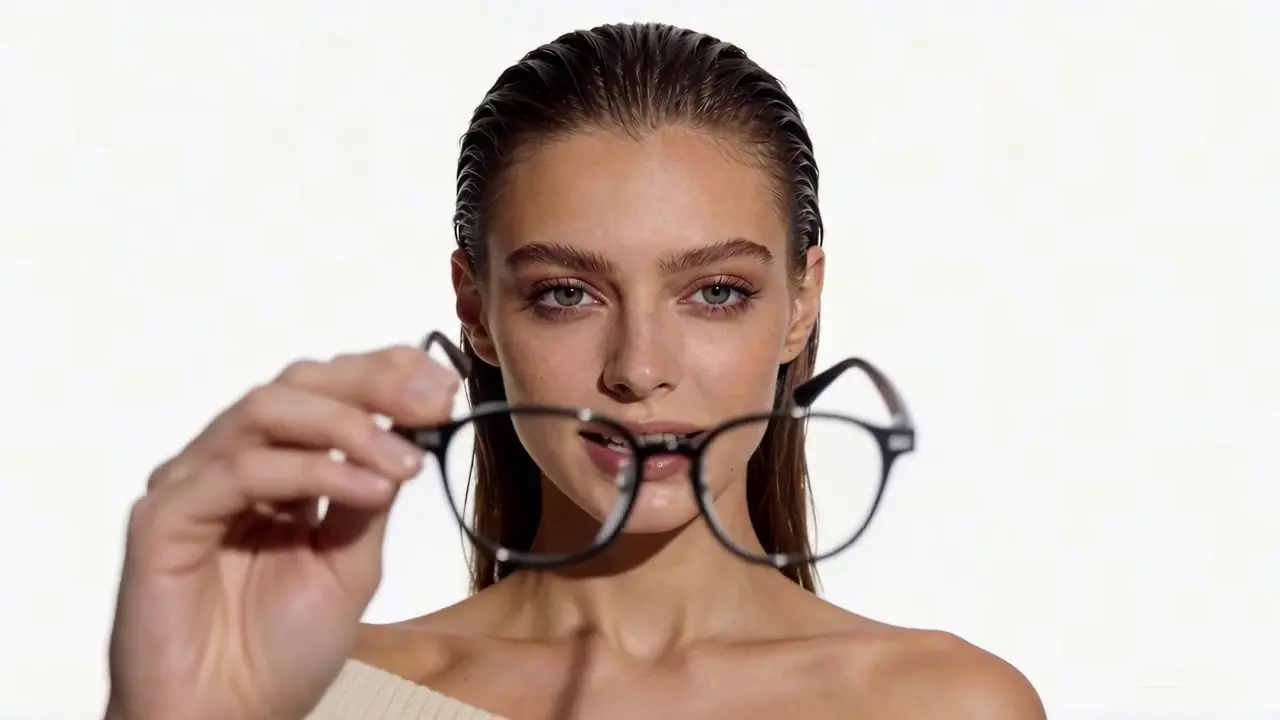
Photo to video AI is the cleanest way to get motion from existing assets. Upload, describe the motion, pick a model. Delphin keeps the still as the dominant signal so the subject stays locked.
What to describe when converting photo to video
Explicit motion direction (push-in, pan, orbit), what should stay static, and the lighting style. That short list is what prevents drift.
FAQ
Can photo to video AI handle portraits?
Yes. Lock facial features and wardrobe in the prompt and use Sora 2 or Kling V3 for best identity retention.