Delphin Resource
DeepSeek Prompt Library for AI Video and Image Creation
A curated DeepSeek prompt guide covering text-to-video, image-to-video, and image generation prompts — structure, examples, and a prompt chat to refine every draft.
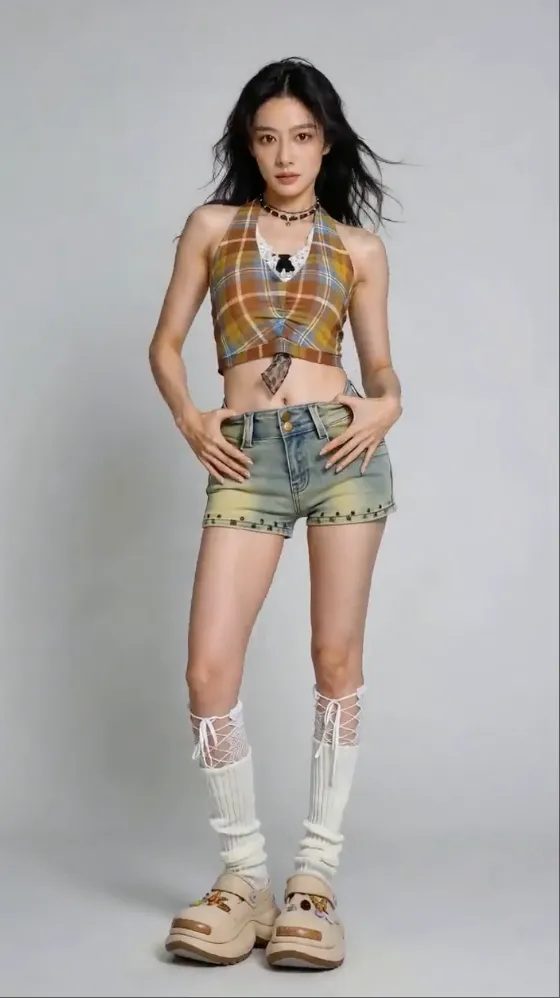
People searching for a DeepSeek prompt usually want two things: a repeatable structure for writing high-quality prompts, and a way to test those prompts on a real model right now. This page gathers a DeepSeek-style prompt framework, concrete prompt examples for video and image workflows, and a direct link into the Delphin prompt assistant so you can iterate without leaving the page.
What a good DeepSeek prompt actually looks like
A strong DeepSeek prompt is less about clever phrasing and more about structure. Name the subject, the action, the environment, the camera or composition, and the style — in that order — and the model has enough signal to return something usable on the first draft instead of forcing three rewrites.
The Delphin prompt chat takes the same approach. You describe your intent in plain language, and it rewrites the prompt into the structured form that DeepSeek V4 and the other supported models respond well to.
- Subject — who or what is in the frame
- Action — what they are doing right now
- Environment — where and when the scene is set
- Camera or composition — angle, lens, motion
- Style — lighting, palette, reference look
DeepSeek prompt examples by workflow
The same DeepSeek prompt skeleton adapts to every generation mode. What changes is the emphasis — video prompts lean on motion and camera, image prompts lean on composition and lighting, and image-to-video prompts lean on what should move versus what should stay locked to the reference.
Text-to-video prompt
Example: "A chef plating a dessert in a warm, low-lit kitchen, slow dolly-in on the plate, shallow depth of field, 35mm film grain, cinematic." The camera cue plus a style tag gives the model enough to produce motion that feels directed instead of accidental.
Image-to-video prompt
Example: "Animate the provided portrait with a subtle head turn and a soft breeze through the hair, keep facial features and wardrobe identical, neutral cinematic lighting." Naming what must stay locked is as important as describing what should move.
Image prompt
Example: "An editorial product shot of a perfume bottle on wet marble, overhead light, high contrast, muted palette, shallow depth, commercial photography style." Image prompts benefit from lighting and styling specificity more than camera motion.
Why pair DeepSeek prompts with a multi-model workflow
DeepSeek V4 Preview is now live as open-weight text models. In the meantime, the same DeepSeek-style prompt structure works cleanly with Sora 2, Kling V3, Seedance, Nano Banana, and See Dream — so you can start building a prompt library today and carry it forward as DeepSeek V4 Preview matures.
- One prompt structure, multiple supported models
- Refine in the chat assistant, generate in the canvas
- Keep your prompt library portable across DeepSeek V4, Sora 2, Kling, and Seedance
FAQ
What is the best format for a DeepSeek prompt?
Write the subject, action, environment, camera or composition, and style in that order. DeepSeek V4 and compatible models respond better to structured prompts than to a single long sentence.
Can I test a DeepSeek prompt before DeepSeek V4 is live?
Yes. DeepSeek V4 Preview is now live as open-weight text models, and the same prompt structure runs on Sora 2, Kling V3, Seedance, Nano Banana, and See Dream in the Delphin workflow.
Is there a DeepSeek prompt generator I can use?
The Delphin prompt chat acts as a DeepSeek-style prompt generator. You describe intent in plain language and it returns a structured prompt suitable for video or image generation.
How do I write a DeepSeek prompt for product videos?
Lead with the product as subject, specify a subtle camera move, lock the lighting style, and constrain wardrobe or packaging details so the model does not drift. Image-to-video is usually the cleanest path for product clips.